🗂️Organize Hub ✦ phyrenix.com
✦ 17 ORGANIZING TOOLS · FREE INSTANT ANSWERS

Organize answers that end the clutter spiral.

Decluttering is not one heroic weekend — it is boxes a week, decisions you actually make, and systems that hold. These tools plan the pace in boxes, not hours; compare storage units, sheds and shelving in real dollars; check what your garage, closet and moving boxes can actually hold; and walk you through paper, photos, toys, the pantry and the hard stuff with feelings attached. Honest maths, kind verdicts, and “10 boxes” never “10 hours”. The full detailed report costs less than a coffee: $2.95.

17 toolsFree instant local answers ≈ one coffee ($2.95) for the full reportNo sign-up · No spam · Educational

Home Zone System: Give Every Item a Home

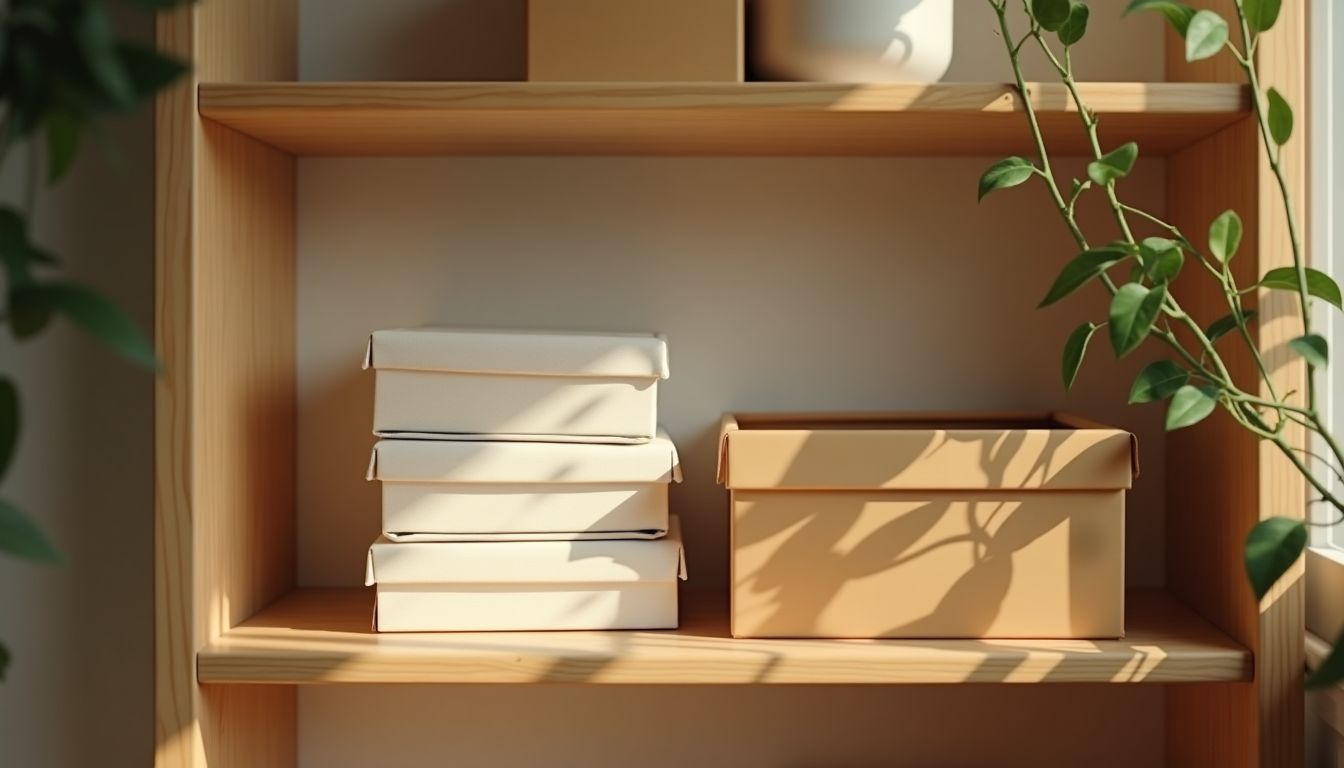
A tidy desk and an open pantry shelf with labelled clear containers under warm gold light, deep charcoal shadows, peaceful organised mood — keep it tidy systems guide

The difference between homes that stay tidy and homes that fight back is rarely discipline — it is zones. In a zoned home, every category of item has one clear, labelled home, stored where it is used: coats by the door, tools in the garage, paperwork at the desk. Putting things away never requires a decision, and the daily 5-10 minute reset simply returns the day's drift to its zones. This guide walks the setup room by room — empty the surfaces, group the categories, choose a home for each, label it — and explains the two rules that make or break the system: store where you use, and make the homes specific enough that everyone in the house can follow them. 'The cupboard' is not a home; 'the top shelf, labelled baking' is.

⚡ Free instant check

The organising idea that beats every tidy-up: set up home zones — one clear place for every category of item, stored where it is used — and let the house hold itself.

Answer 0-10 (10 = the stronger end for every question — no wrong answers). Your answers stay on this device — nothing is stored.

No fixed homes — 5 — Everything has a home
Surfaces pile up — 5 — Daily reset done
The pile grows — 5 — Sorted on arrival
Set and forget — 5 — Seasonal review done

Why it matters

  • The single biggest difference between homes that stay tidy and homes that fight back is not discipline, it is zones: in a zoned home every category of item has one clear home (coats by the door, tools in the garage, paperwork at the desk), so putting things away never requires a decision.
  • The zone rule that makes it work is 'store where you use': the recycling lives by the bin, the dog lead by the door, the kettle-adjacent mugs by the kettle — an item stored 20 steps from where it is used gets left out, and the left-out items are the clutter.
  • Setting zones takes an afternoon per room: empty the surfaces, group the categories, choose a home for each, and label the homes — the labelling is what turns a good intention into a system other people can follow.
  • A zone system fails only when homes are too big or too vague: 'the cupboard' is not a home, 'the top shelf, labelled baking' is — which is why one box of one category per shelf beats a cupboard of mixed everything.
  • The daily reset is the maintenance: 5-10 minutes returning the day's drift to its zones (shoes to the door, dishes to the kitchen, papers to the desk) keeps the system alive without ever a big clean-up.

Your checklist

  • Start with one room, not the whole house — the room you use most gives the fastest win.
  • Empty the surfaces and sort everything into categories: keep, relocate, donate, bin.
  • Give each kept category one clear home, stored where it is used — not where it fits.
  • Label the homes: shelves, boxes and drawers labelled so everyone in the house can follow the system.
  • Relocate the items that belong in other rooms to their zones as you finish each category.
  • Add a 5-10 minute daily reset at a set time — after dinner works — returning drift to its zones.
  • Review the zones seasonally: new hobbies and new seasons create new categories that need homes.

❓ Home Zone System: Give Every Item a Home — FAQ

What is a home zone, exactly?

It is a designated, labelled place for a category of item, stored where the item is used — the recycling by the bin, the dog lead by the door, the mugs by the kettle. When every category has one clear home, tidying stops being a series of decisions and becomes a simple return-to-home motion.

How long does it take to set up zones?

About an afternoon per room: empty the surfaces, sort everything into keep, relocate, donate and bin, give each kept category a labelled home, and move the relocates to their zones in other rooms. Start with the room you use most — the fastest win funds the motivation for the rest of the house.

Why does my tidy-up never stay tidy?

Because without zones, 'putting things away' requires deciding where they go every single time — and items stored 20 steps from where they are used get left out instead. The left-out items are the clutter. Zones remove the decision, and the daily reset returns the small drift before it becomes a pile.

🗂️ All organizing tools

Every tool answers instantly from our own knowledge and calculators — no AI wait, no account. Honest maths and plain-language guidance, always educational: every home is different, so the numbers here are planning aids built on widely used rules of thumb — never promises, never pressure. Results are estimates and next-step aids, nothing you type is stored, and anything structural (shelving loads, fixings, building rules) deserves a professional check before you build it. Want the deeper, personalised version? Each has a $2.95 full report.

🗄️ Rooms & Storage
📦 Declutter Plans
🧹 Keep It Tidy
Educational information only — organising tips, estimates and checklists, and never a guarantee of outcomes. Every home is different: your spaces, your stuff and your life set the real numbers, so treat the maths as starting points rather than promises, and check anything structural with a professional before you build, hang or stack. © 2026 Organize Hub · part of the phyrenix.com network · WebMCP manifest · tools.json